
❋
it.. mkii » tap, record, modulate
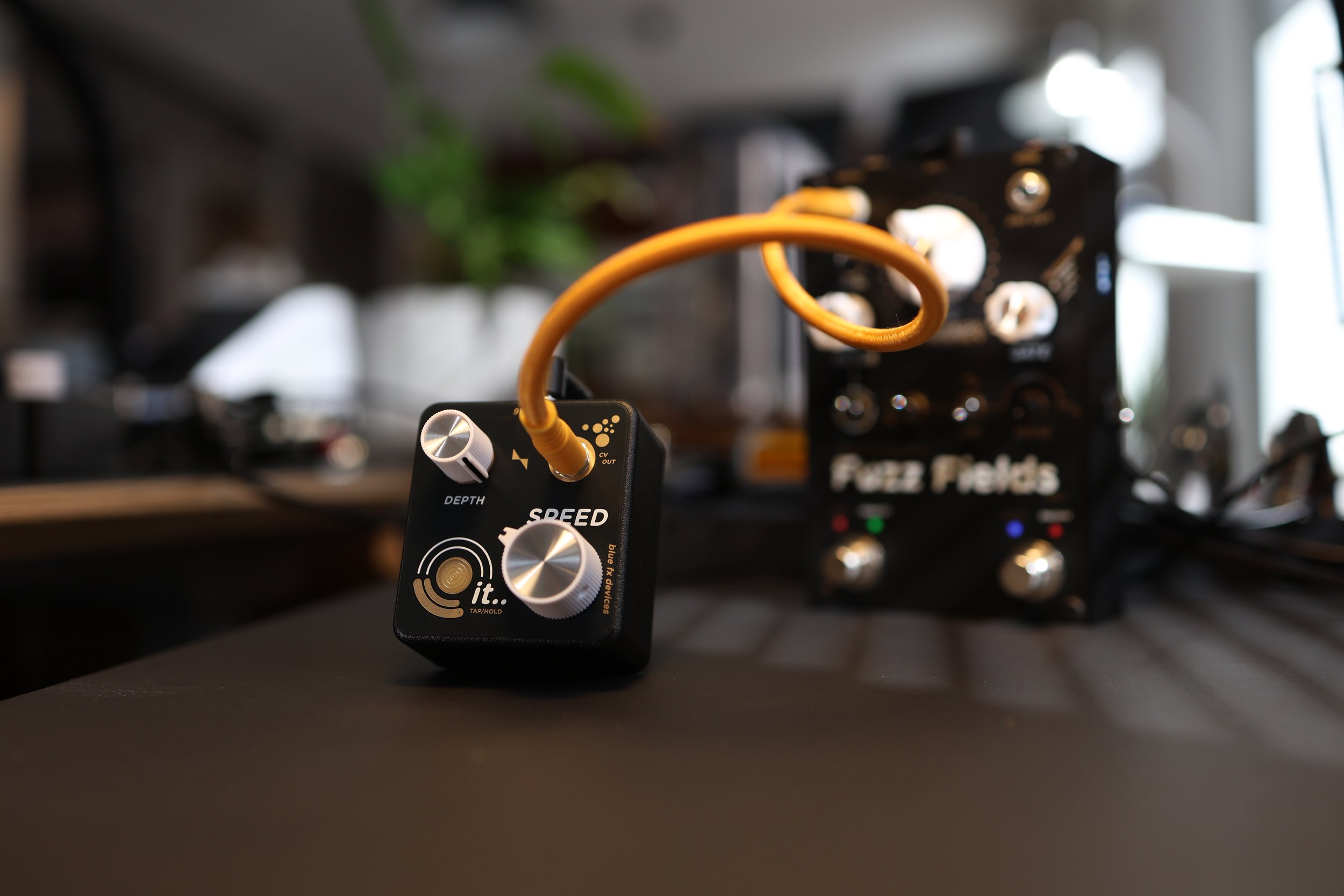
One little box.
A lot of motion.
"it.." is a Low Frequency Oscillator. It generates a smooth triangular waveform built to modulate Expression or Control Voltage inputs. Two output ranges, one per mode: a standard 0-5V modular swing, or a 2.5-5V offset swing for pedals that expect a centered control voltage.
Fuzz Fields
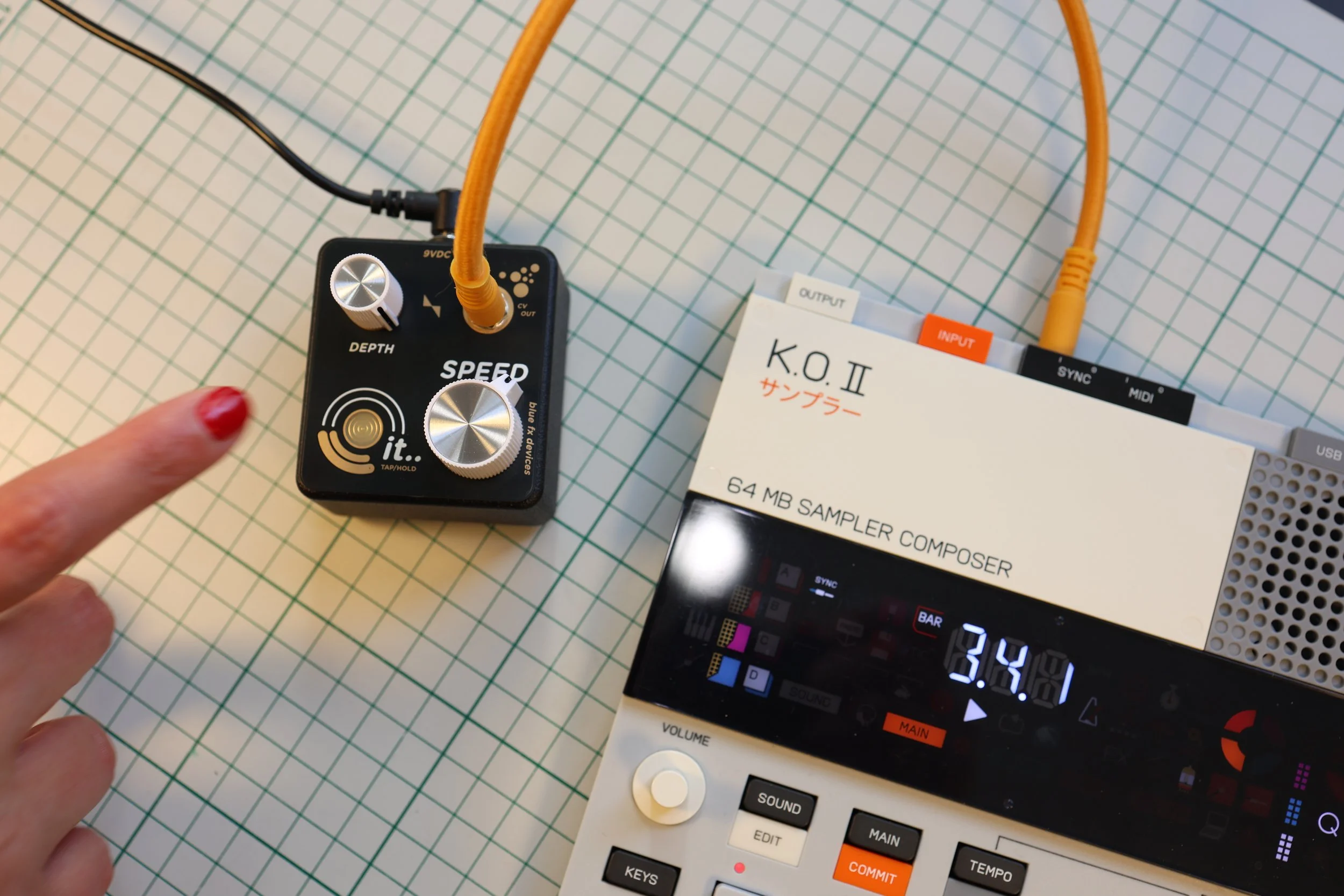
Offset mode (orange LED) centers the swing right where Fuzz Fields wants it - tremolo, vibrato, ring-mod textures, and pick-responsive self-oscillation, all from two knobs.
Synth Gear
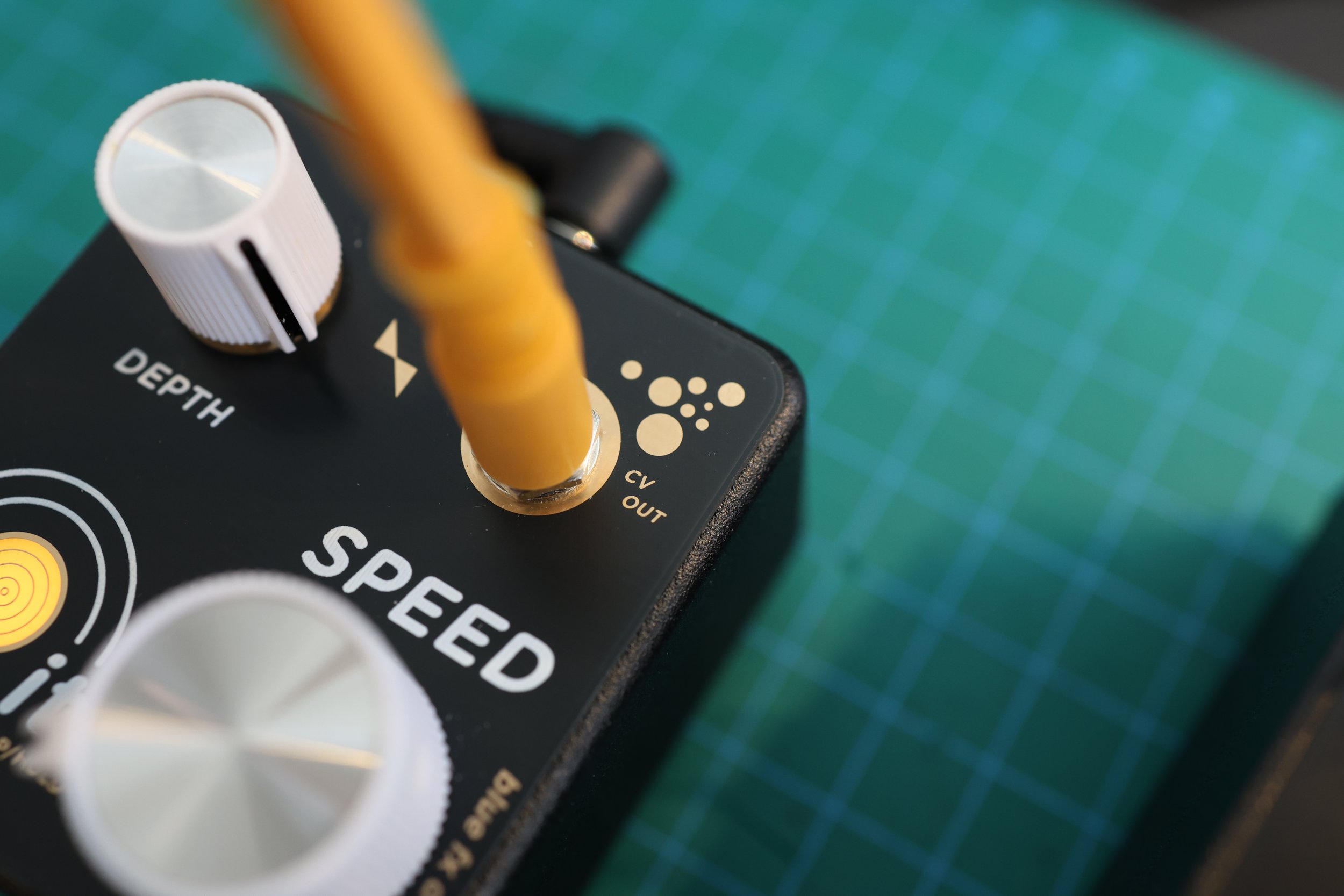
Standard mode (white LED) speaks the same CV language as Cassetta, Eurorack, and most synths - plug in and it just works, no adapters.
Recording Your Own Moves
Hold, turn, play - capture up to 3 seconds of the SPEED knob move and loop it back, in either mode. Tap to bail, hold again to record over it.
Quick User Guide
-
SPEED: ranges from 0.05 Hz to 15 Hz and sets how fast or slow the modulation signal cycles.
DEPTH: sets how much of the modulation reaches the output, from flat to full swing.
-
Tap tempo lets you set the LFO rate by feel - it overrides the SPEED knob's setting.
-
Hold the pad for 3 or more seconds to switch between modes.
Standard Mode has a white LED and is used for Cassetta, Eurorack, and synth CV inputs.
Offset Mode has an orange LED and is used for Fuzz Fields and other pedals that expect offset signals.
-
Press and hold the TAP/HOLD pad while turning the SPEED knob to arm the recorder. You can then record up to 3 seconds of any motion.
Overdub: while a loop is playing, hold the pad and turn a knob again to record a fresh take.
To exit recording mode and return to live control, tap the pad.
-
Plug in the DC jack, then tap the pad 5 times within the 3-second boot blink - three red blinks confirm the reset.